

replayer
-
Постов
18 -
Зарегистрирован
-
Посещение
Весь контент replayer
-
When using the **AlexBranding “Deal of the Day and Extended Promotions” add-on** together with the **CS-Commerce Full Page Cache add-on**, the promotion countdown timer may show an incorrect remaining time. This issue occurs because the countdown value is generated on the server and then stored inside the cached HTML. When another visitor opens the same product page later, the timer starts with the old cached value instead of calculating the current remaining time. ## Tested Add-on Versions This solution was tested with: * AlexBranding Deal of the Day and Extended Promotions: **v3.10.5** * CS-Commerce Full Page Cache: **v5.6.0** * CS-Cart Ultimate: **4.18.3** * AB UniTheme2 * HTML minification enabled No modification to the Full Page Cache add-on is required. ## The Cause The AlexBranding add-on calculates the remaining seconds when CS-Cart renders the page: ```smarty {$total_seconds = $to_timestamp - $smarty.const.TIME} ``` It then writes this calculated value into the JavaScript: ```javascript ab_dotd_js_counter( 'ab__deal_of_the_day_{$block.block_id}', {$total_seconds}, JSON.parse('{json_encode(fn_ab__dotd_get_time_units_plurals()) nofilter}') ); ``` For example, the first visitor may generate the page when 3,600 seconds remain. Full Page Cache stores this value. If another visitor opens the page 15 minutes later, the cached HTML may still tell the counter to start at 3,600 seconds instead of the correct 2,700 seconds. The correct approach is to cache only the fixed promotion end timestamp and calculate the remaining seconds in the visitor’s browser. ## File 1: `init_countdown.tpl` Open: ```text var/themes_repository/responsive/templates/addons/ab__deal_of_the_day/components/init_countdown.tpl ``` Find: ```smarty {$total_seconds = $to_timestamp - $smarty.const.TIME} {if $total_seconds} ``` Replace it with: ```smarty {if $to_timestamp} ``` This prevents the server-generated remaining time from being used as the cached starting value. ## File 2: JavaScript Counter Template Open: ```text var/themes_repository/responsive/templates/addons/ab__deal_of_the_day/components/counters/javascript.tpl ``` Find: ```javascript ab_dotd_js_counter('ab__deal_of_the_day_{$block.block_id}', {$total_seconds}, JSON.parse('{json_encode(fn_ab__dotd_get_time_units_plurals()) nofilter}')); ``` Replace it with: ```javascript var total_seconds = Math.max( 0, Number({$to_timestamp}) - Math.floor(Date.now() / 1000) ); ab_dotd_js_counter( 'ab__deal_of_the_day_{$block.block_id}', total_seconds, JSON.parse('{json_encode(fn_ab__dotd_get_time_units_plurals()) nofilter}') ); ``` The cached page now contains the absolute promotion end timestamp. Each visitor’s browser calculates the current remaining time when the page is opened. ## File 3: FlipClock Counter Template If the add-on uses the FlipClock.js counter, open: ```text var/themes_repository/responsive/templates/addons/ab__deal_of_the_day/components/counters/flipclock.tpl ``` Find: ```javascript var total_seconds = Number({$total_seconds}); ``` Replace it with: ```javascript var total_seconds = Math.max( 0, Number({$to_timestamp}) - Math.floor(Date.now() / 1000) ); ``` This applies the same cache-safe calculation to the FlipClock counter. ## Clear All Caches After making the changes: 1. Clear the standard CS-Cart cache. 2. Completely clear the CS-Commerce Full Page Cache. 3. Open the product page in a private or incognito browser window. 4. Wait several minutes and open the same page in another private session. 5. Confirm that the second session shows a lower and correct remaining time. ## Result Full Page Cache and HTML minification can remain enabled. No additional AJAX request is required, so the fix does not negatively affect page-loading performance. The timer now works as follows: ```text Remaining time = promotion end timestamp − current browser timestamp ``` Because the browser performs this calculation on every page visit, the countdown remains correct even when the surrounding HTML is served from Full Page Cache. ## Important Update Notice A future update of the AlexBranding add-on may overwrite these modified templates. Keep a copy of the changes and verify the counter after every add-on update. Ideally, this behavior should be implemented directly by the add-on developer, since absolute end timestamps are generally safer for countdown timers used on cached pages. ---
-
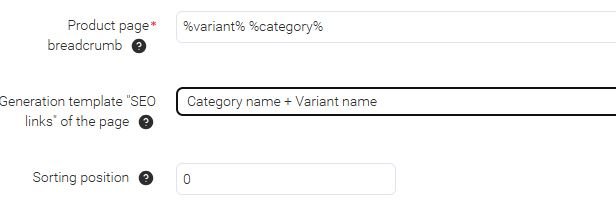
Hi, How can I change the Category name + Variant name to Variant name + Category name?

-
I wanted to know if I'd overlooked a feature of the add-on. It's been resolved, thanks. maybe someone else can use it too. Don't forget to add "additional_image_link" to in the string. {if $product.images} ,"{$product.images.0 nofilter}" {else} ,"" {/if} {assign var="additional_images" value=""} {if $product.images|count > 1} {foreach $product.images as $k => $img} {if $k == 0} {continue}{/if} {if $additional_images neq ""} {assign var="additional_images" value="{$additional_images},{$img}"} {else} {assign var="additional_images" value="{$img}"} {/if} {/foreach} {/if}
-
I don't understand why you can select it and it's not integrated into the code.
-
product_categories_list.tpl
-
Hello, I've changed the template product_categories_list.tpl a bit and I like it now. I can't hide the hidden categories. I've tried that, but it doesn't work. Can someone help me? <ul class="ab-mb-prod-categories-list"> {foreach $product.category_ids as $cat_id} {assign var="cat_data" value=fn_get_category_data($cat_id, $smarty.const.CART_LANGUAGE)} {if $cat_data.status == "A"} {* Show only active categories *} <li> {assign var="cat_pair" value=fn_get_image_pairs($cat_id, 'category', 'M', true, true)} {if $cat_pair} <a href="{"categories.view?category_id=`$cat_id`"|fn_url}" title="Alle {$cat_data.category} anzeigen"> {include file="common/image.tpl" show_detailed_link=false images=$cat_pair no_ids=true image_id="category_image" image_width=40 image_height=40 } </a> {/if} <a href="{"categories.view?category_id=`$cat_id`"|fn_url}" title="Mehr {$cat_data.category} anzeigen"> {$cat_data.category} </a> </li> {/if} {/foreach} </ul> product_categories_list.tpl --------------------------------------------------------------------------------------------------------------------------------- {strip} {if $ab__mb_item.template_settings && $ab__mb_item.template_settings.brand_feature_id} {$mb__header_feature = fn_ab__mb_get_brand_feature(['product' => $product, 'feature_id' => $ab__mb_item.template_settings.brand_feature_id])} {/if} {hook name="ab__mb:tmpl_product_categories_list"} <ul class="ab-mb-prod-categories-list"> {foreach fn_get_category_name($product.category_ids, $smarty.const.CART_LANGUAGE, true) as $cat_id => $mb_cat} <li> {assign var="cat_pair" value=fn_get_image_pairs($cat_id, 'category', 'M', true, true)} {if $cat_pair} <a href="{"categories.view?category_id=`$cat_id`"|fn_url}" title="Alle {$mb_cat} anzeigen"> {include file="common/image.tpl" show_detailed_link=false images=$cat_pair no_ids=true image_id="category_image" image_width=40 image_height=40 } </a> {/if} <a href="{"categories.view?category_id=`$cat_id`"|fn_url}" title="Mehr {$mb_cat} anzeigen">{$mb_cat}</a> </li> {/foreach} </ul> <ul class="ab-mb-prod-categories-list"> {foreach fn_get_category_name($product.category_ids, $smarty.const.CART_LANGUAGE, true) as $cat_id => $mb_cat} <li> {if $mb__header_feature.features_hash} <a href="{"categories.view&category_id=`$cat_id`&features_hash=`$mb__header_feature.features_hash`"|fn_url}" title="Mehr {$mb__header_feature.variant} {$mb_cat} anzeigen"> {if $product.brand_icon} {include file="common/image.tpl" object_type="feature_variant" images=$product.brand_icon image_width=59px} {/if} {$mb__header_feature.variant} {$mb_cat} </a> {/if} </li> {/foreach} </ul> {/hook} {/strip}
-
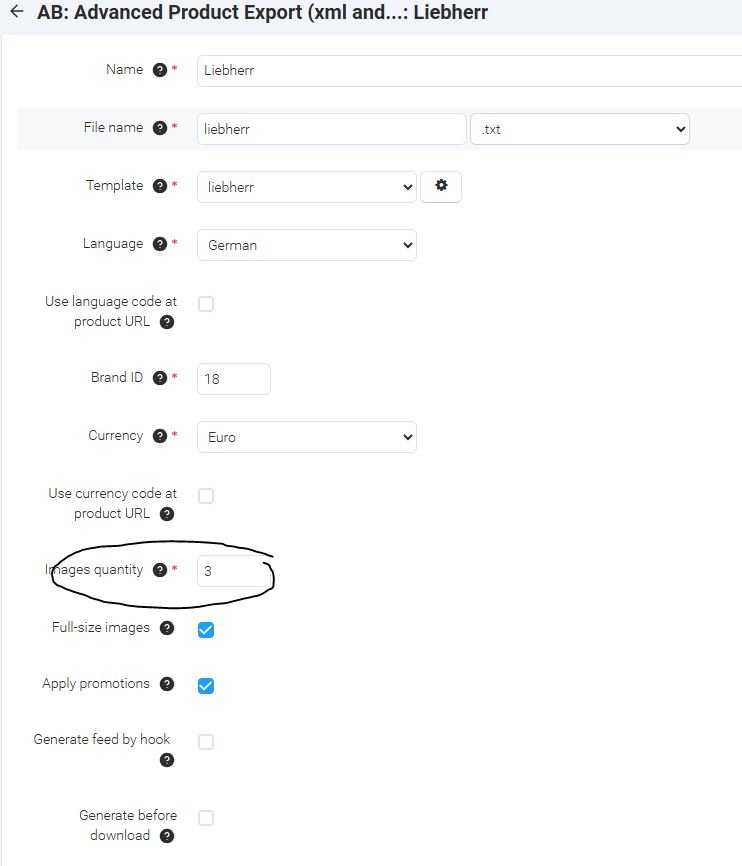
Hello everyone, I want to have more than one product image in my product feed. But unfortunately, it doesn't work. I've tried all formats: txt, csv, xml... Am I doing something wrong? AB: Advanced Product Export 3.14.0 • 29.12.2024 AB: Product feed export 1.14.0 • 29.12.2024
-
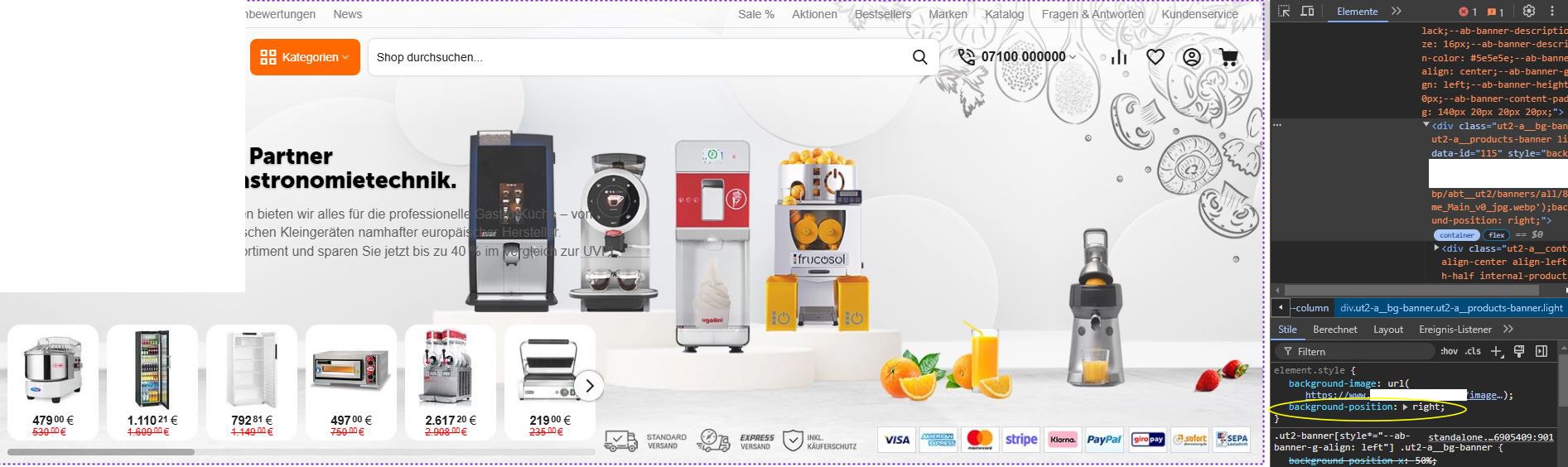
I try with this setting (Resize the background image to cover the entire container, even if it has to stretch the image or cut a little bit off one of the edges) and background-position: right; without background-position: right; (Without this, the background will be cut in an unwanted place)
-
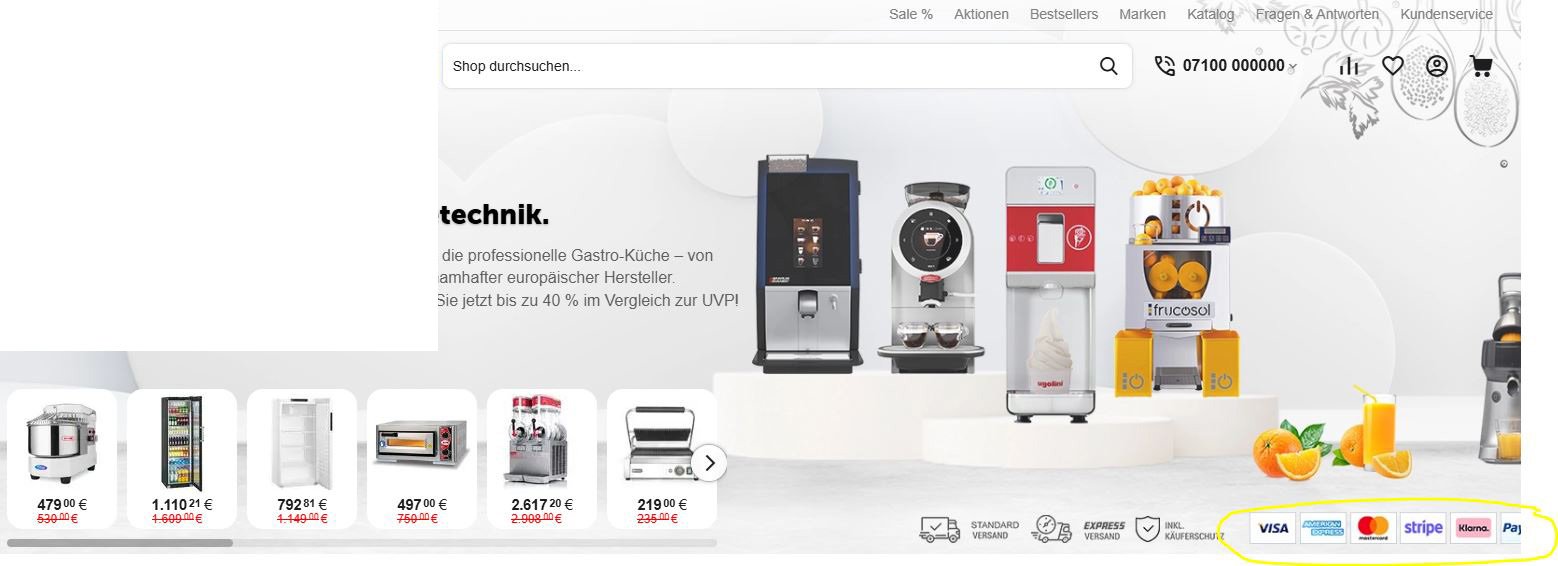
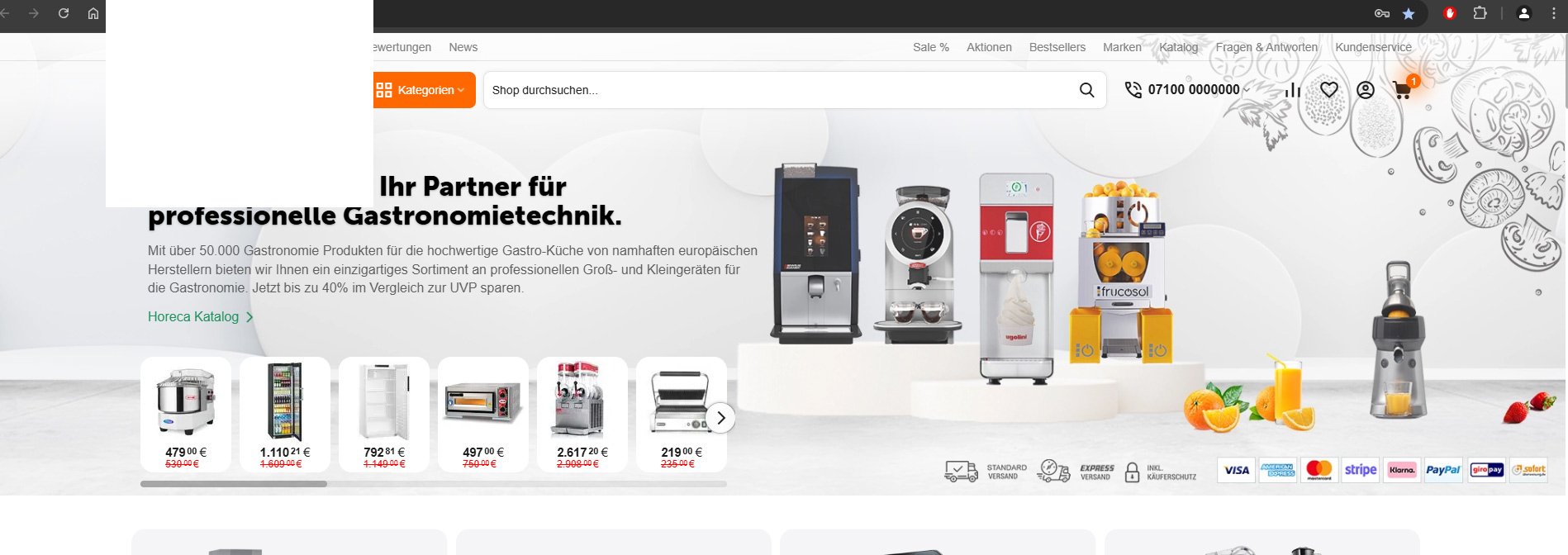
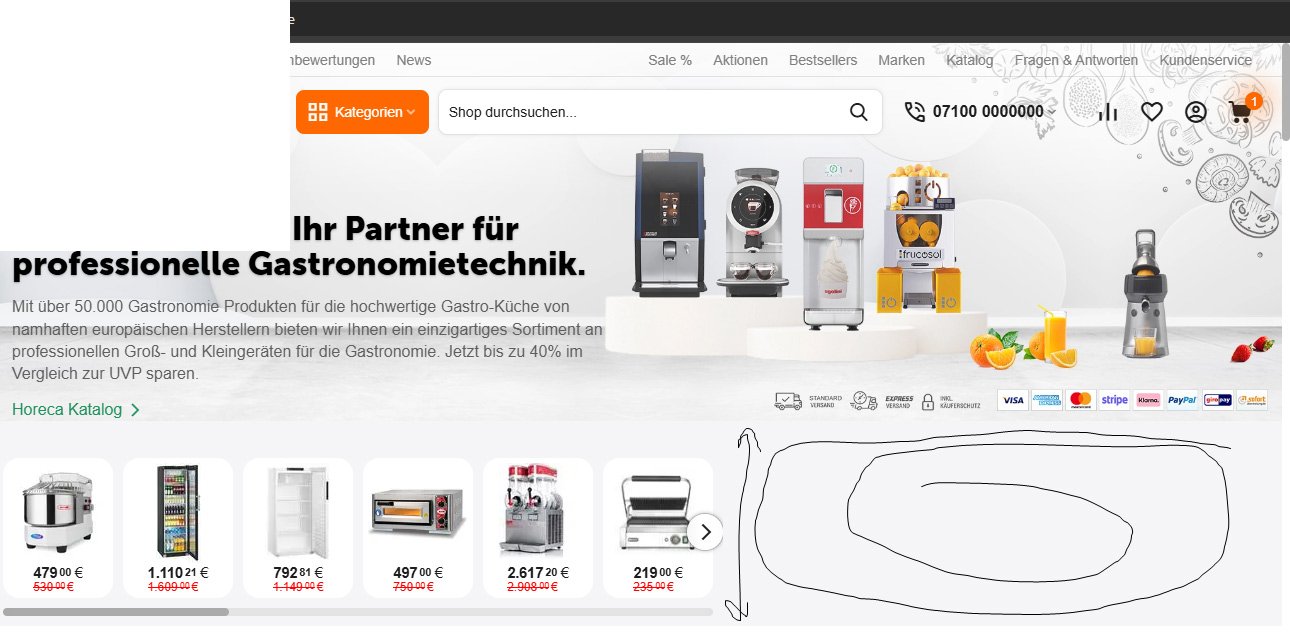
Hi, I use my homepage banner with this setting (Resize the background image to make sure the image is fully visible inside of the block). Everything is fine on a large screen, but on a small screen like a laptop the image shifts. I tried with User CSS-class Enlarge image, Container by image width etc... it doesn't work. what am I doing wrong here ? large screen small screen
-
Hi, I would like to create a block on the product page with best-selling products from the same category. This code has worked very well so far with Responsive theme und Energothemes but now with UniTheme it doesn't work anymore. what could it be? I think there is a conflict with this file: /app/addons/abt__unitheme2/schemas/block_manager/blocks.post.php the code I have used so far : app addons bestsellers schemas block_manager blocks.post.php $schema['products']['content']['items']['fillings']['bestsellers'] = array ( 'params' => array ( 'bestsellers' => true, 'sales_amount_from' => 1, 'include_child_variations' => true, 'sort_by' => 'sales_amount', 'sort_order' => 'desc', 'request' => array ( 'cid' => '%CATEGORY_ID' ), 'session' => array( 'cid' => '%CURRENT_CATEGORY_ID%' ) ), );
-
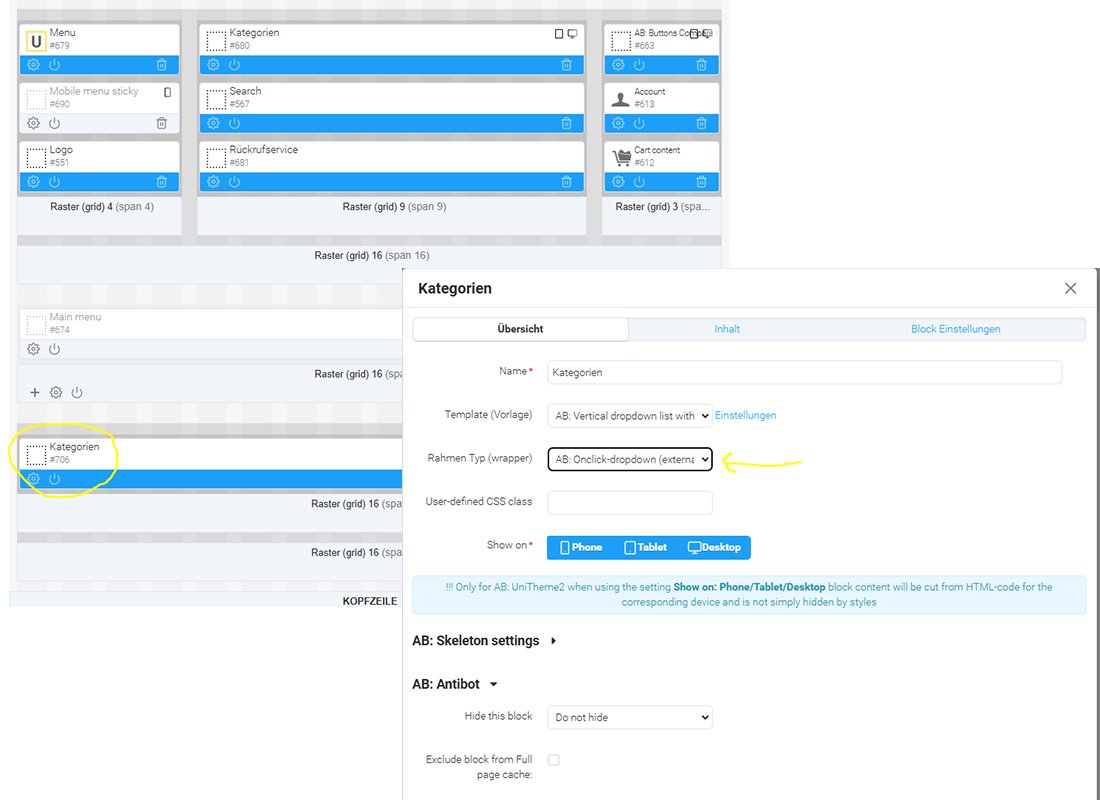
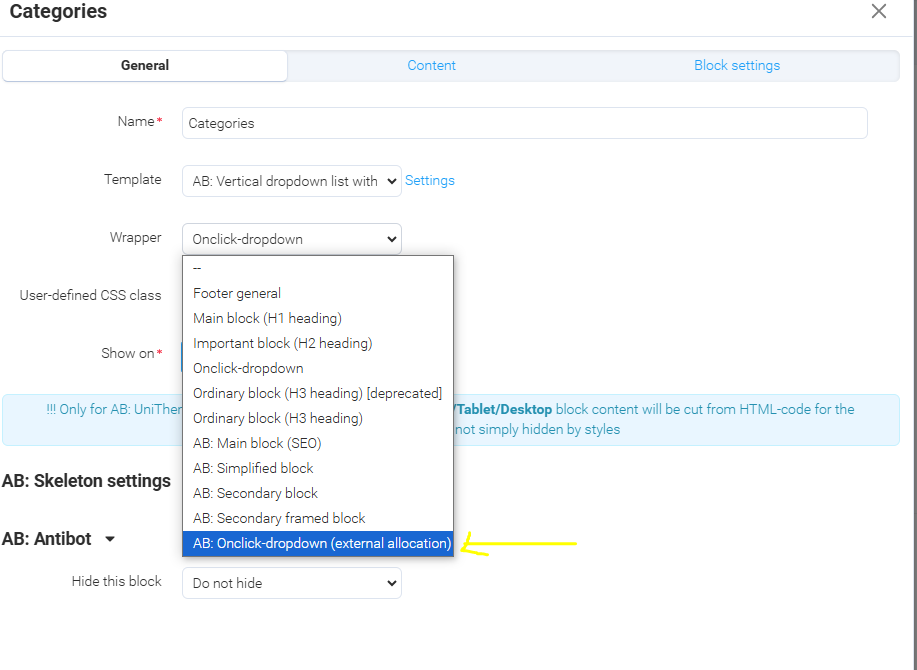
I created another block with AB: Vertical dropdown list with icons and AB: Onclick-dropdown (external allocation) wrapper. and it works. but I think an additional block will make the page slower, right? (marked categories blocks first grid hidden-phone hidden-tablet second grid hidden-desktop) and the fly menu... I think it looks better with category images.
-
@ab.support.serhii I think you misunderstood me. it works very well with Advanced Layout. but with Layout Light v3 it looks like this...
-
Hi, sometimes it takes longer for the page to load and you think that's all. That's why it would be nice if there was an Loading animation.
-
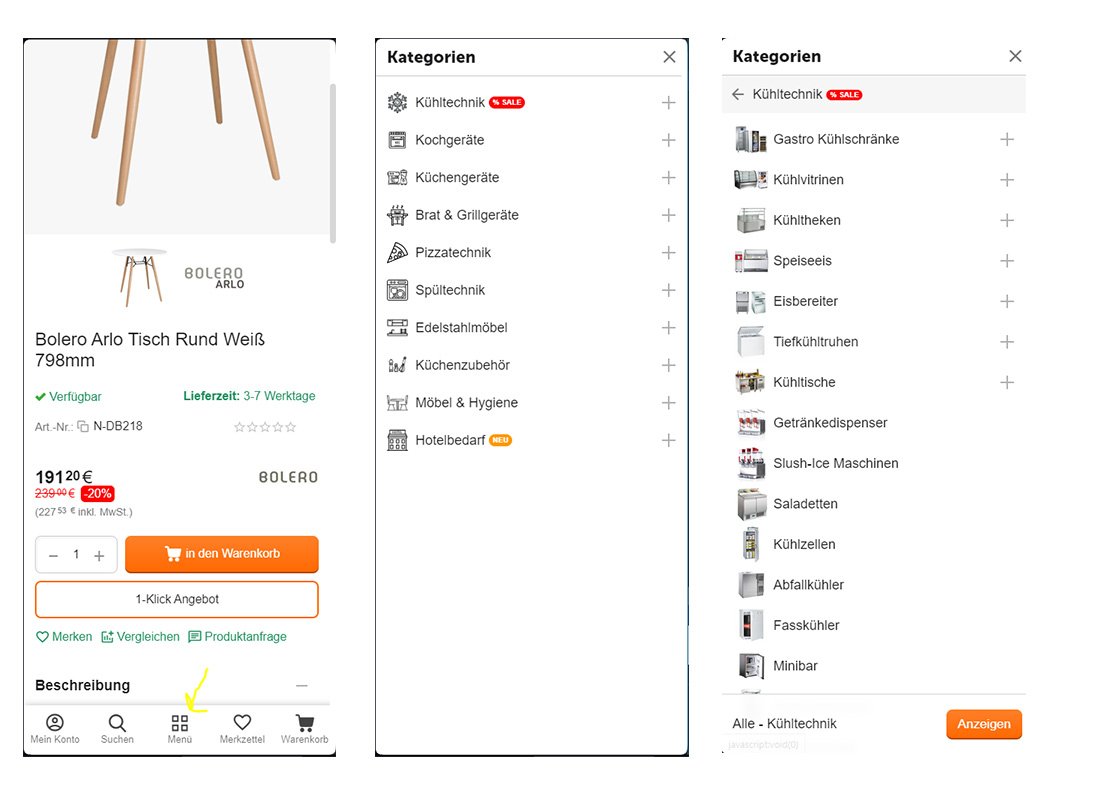
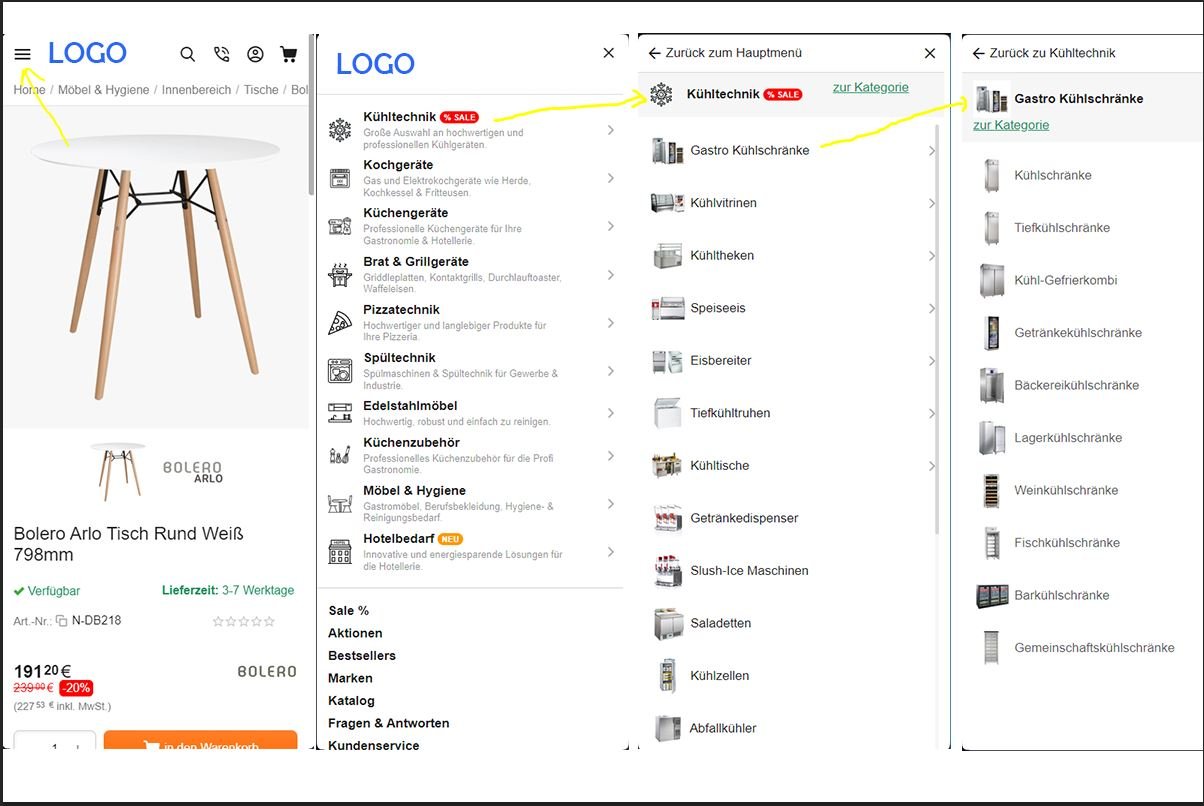
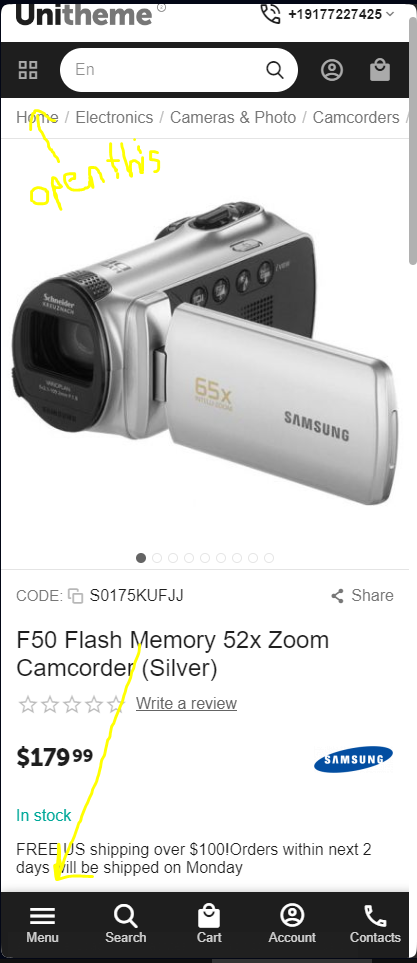
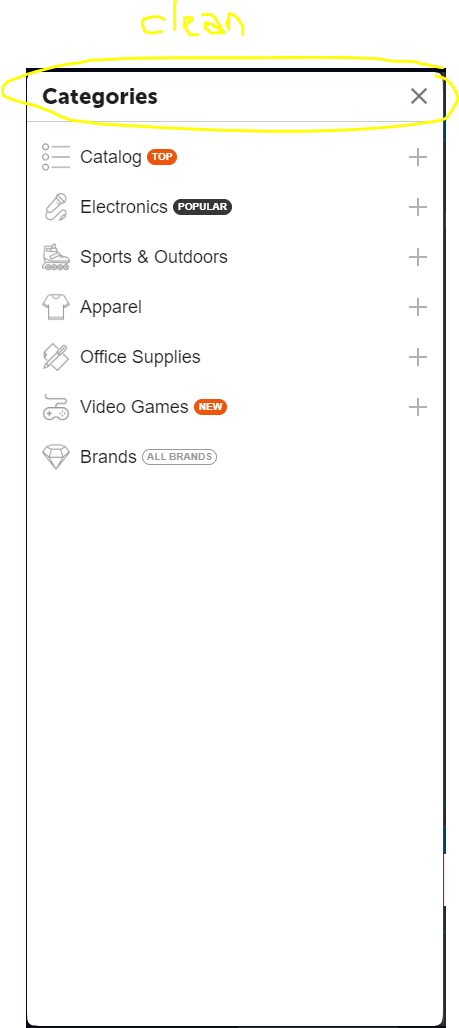
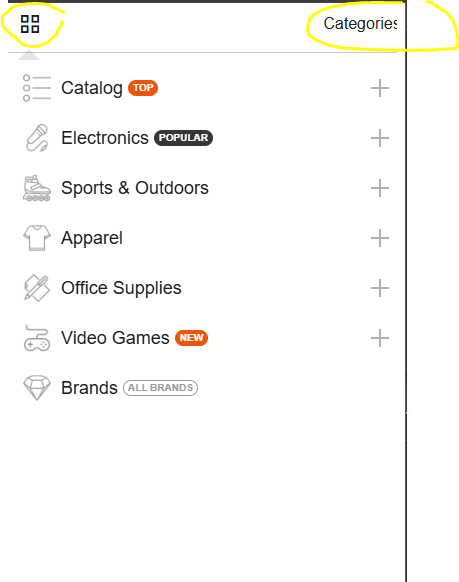
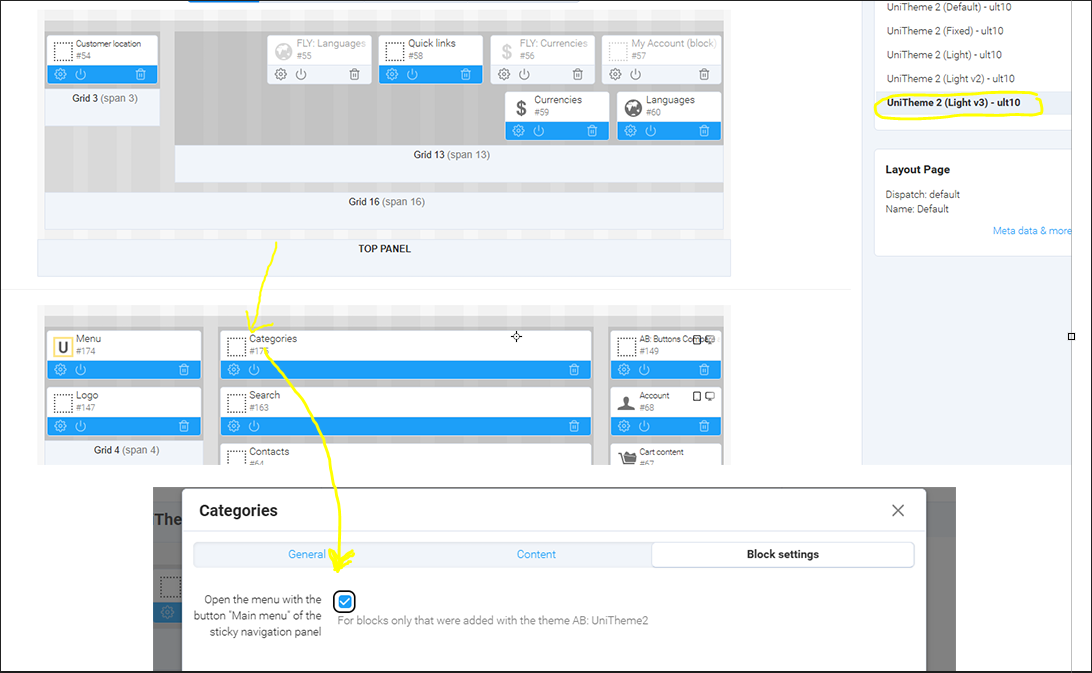
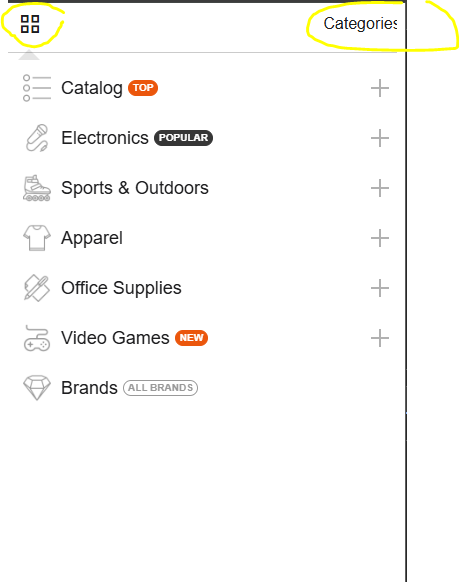
Hi, I want this button of the bottom sticky navigation panel for categories and not for fly menu. When I click on the button the menu is displayed like this... It only shows up properly when I change the wrappers.. Am I doing something wrong here? Demo: https://abd-d39e72dacf.demos.abt.team/
-
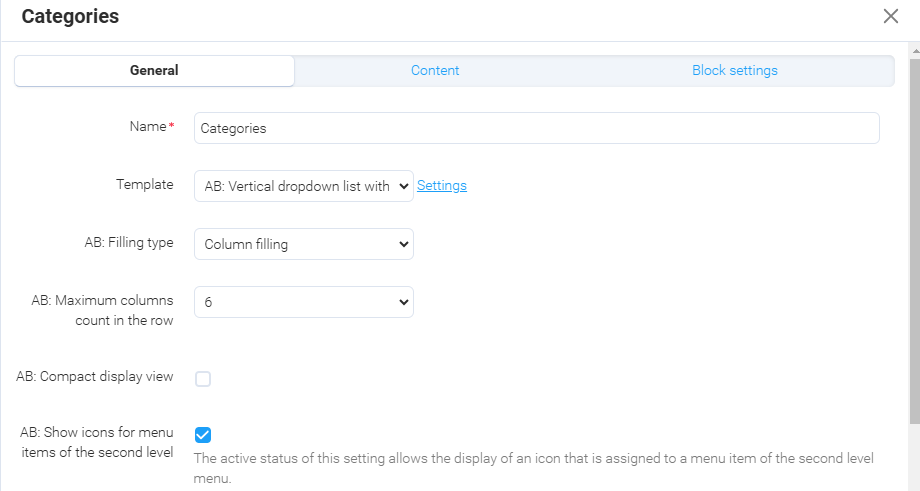
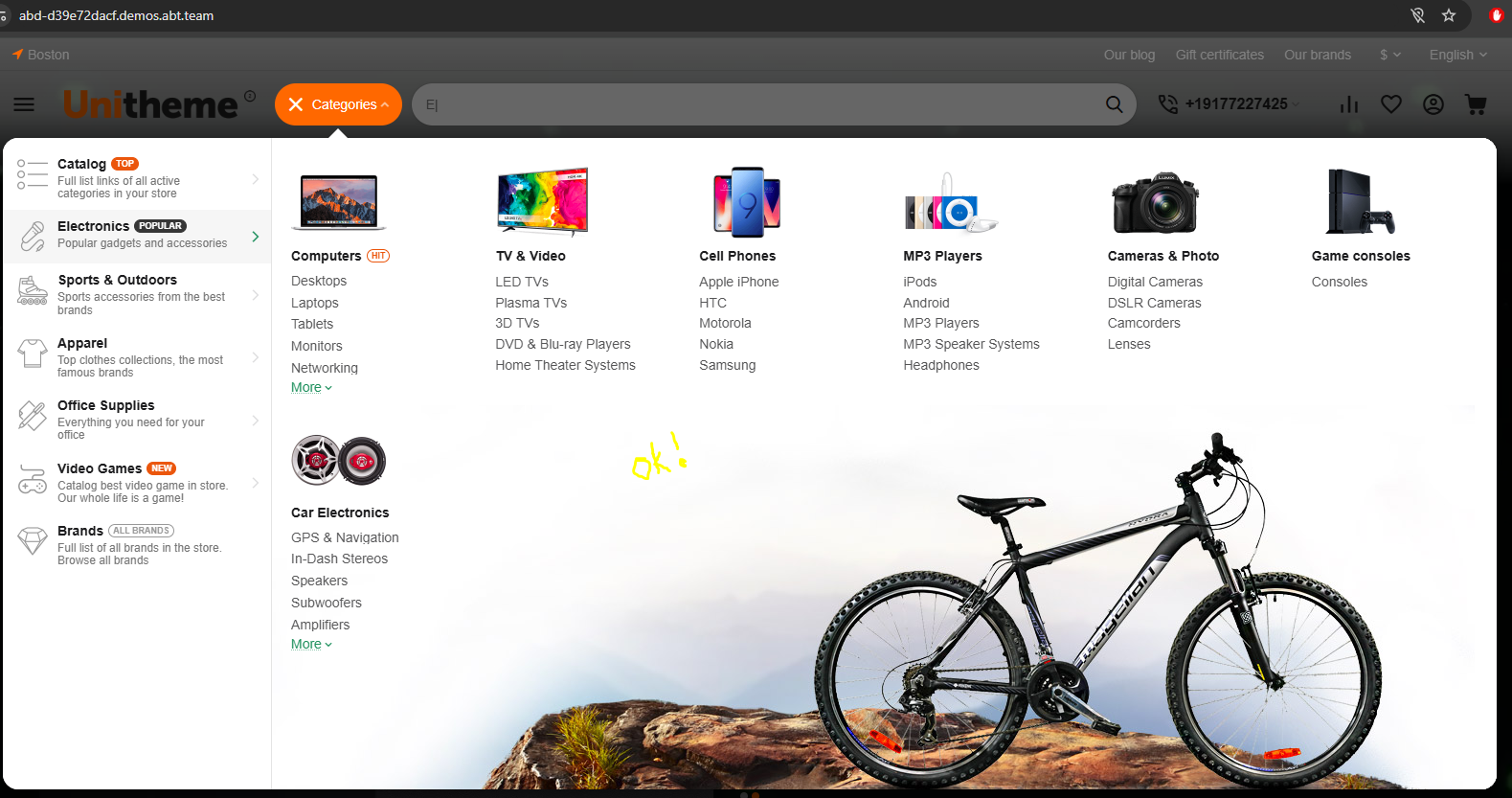
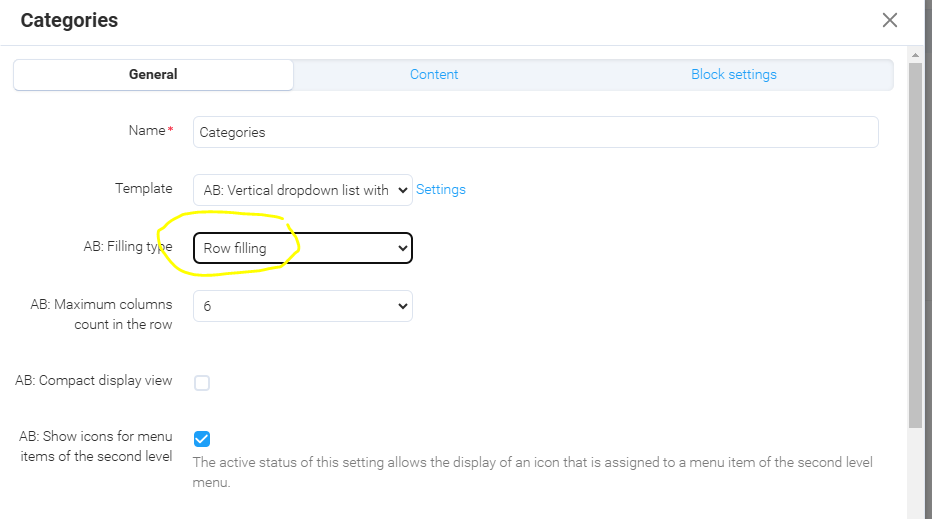
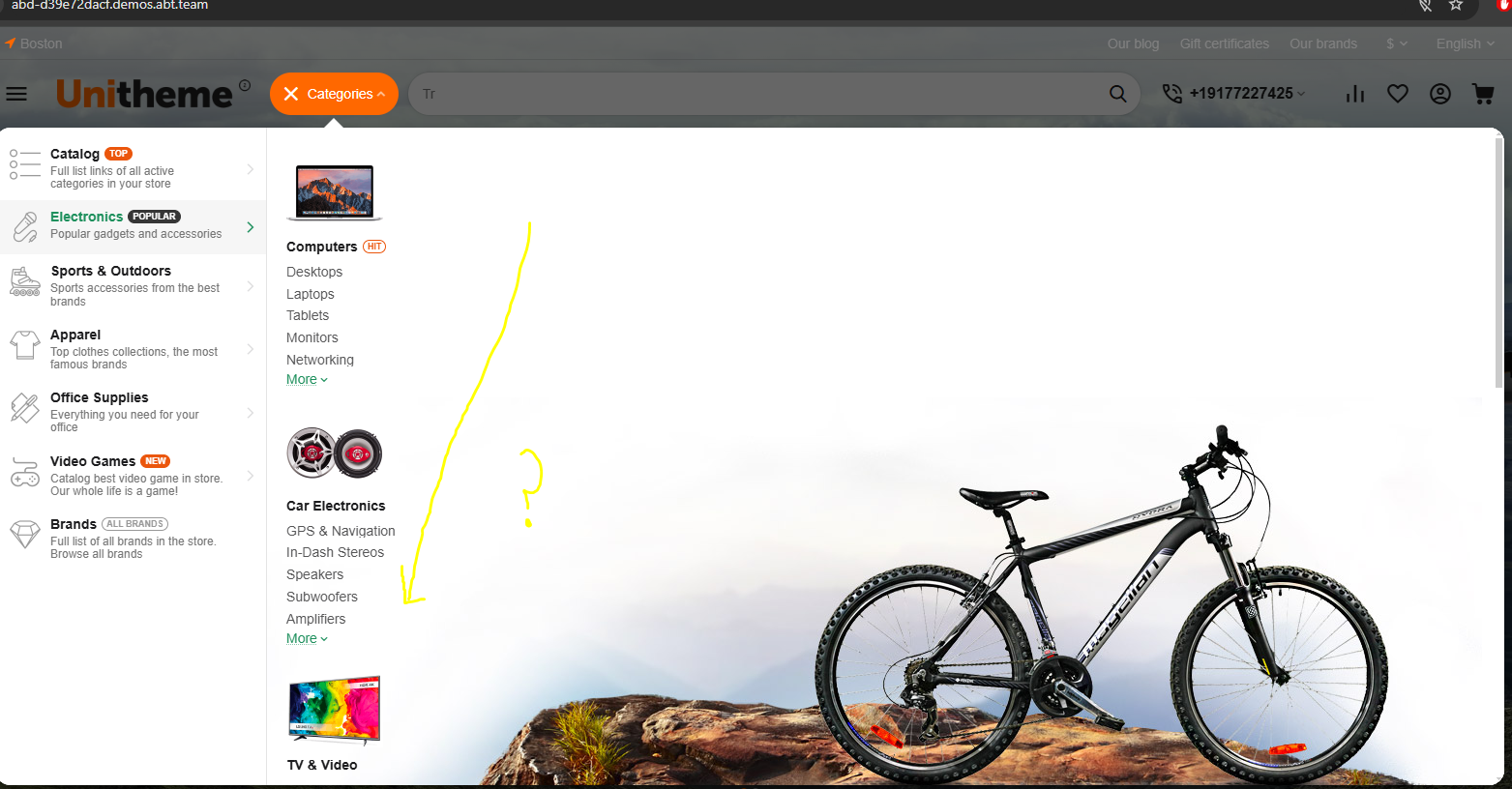
Hello, I want the menu with row filling, but by Row Filling the categories move downwards. Column filling ok.. but by Row Filling the categories move downwards. Demo: https://abd-d39e72dacf.demos.abt.team/
-
it would be nice if you could deactivate it.
-
Hi, Hidden Categories are displayed on the Find similar block with "Product categories list" template.